
On-Page SEO Checklist for Beginners: 10 Simple Steps to Rank Better on Google
When I first started learning SEO, I believed ranking on Google was mainly about choosing the right keywords.
But over time, I realized that even great content can struggle to rank if basic on-page SEO isn’t done properly.
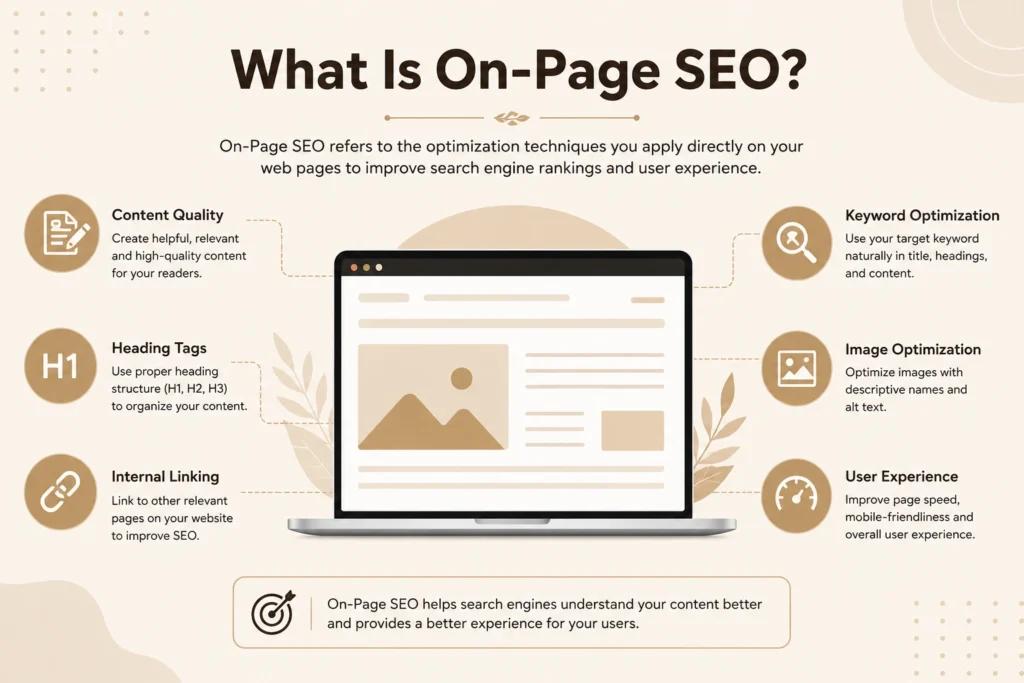
On-page SEO is the process of optimizing elements on your website and blog posts so that search engines can understand your content better and users can have a better experience.
The good news? You don’t need to be an SEO expert to get started.
In this guide, I’ll walk you through a simple on-page SEO checklist that every beginner can follow before publishing a blog post.
What Is On-Page SEO?
On-page SEO refers to all the optimization techniques you apply directly to a webpage to improve its visibility in search engines.
This includes things like:
- Using keywords strategically
- Optimizing titles and headings
- Improving content readability
- Adding internal links
- Optimizing images
If done correctly, on-page SEO can help your content rank higher and attract more organic traffic.
1. Use Your Focus Keyword in the Title
Your blog title is one of the first things both users and search engines notice.
Make sure your focus keyword appears naturally in the title.
Example
✅ On-Page SEO Checklist for Beginners
❌ SEO Tips You Should Know
A clear and keyword-focused title helps Google understand your content topic.
2. Create an SEO-Friendly URL
Your URL should be short, descriptive, and easy to read.
Good Example
yourwebsite.com/on-page-seo-checklist
Avoid
yourwebsite.com/blog/post123?id=567
Simple URLs are better for both users and search engines.
3. Include the Keyword in the First 100 Words
Google pays attention to the beginning of your content.
Mention your focus keyword naturally within the first paragraph.
Avoid keyword stuffing. Write for people first and search engines second
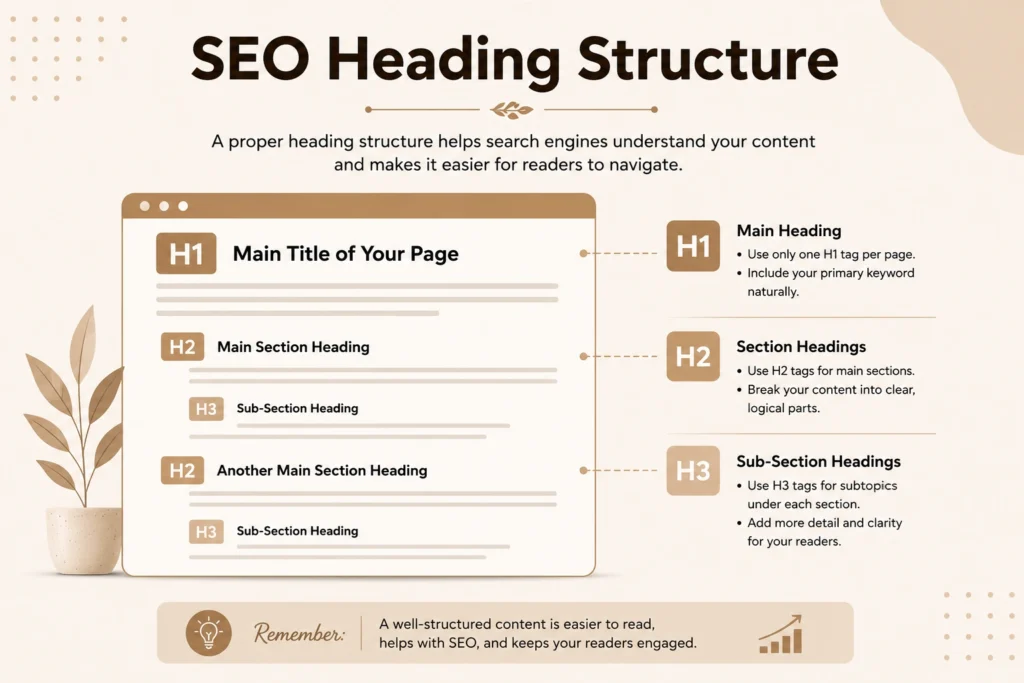
4. Use Proper Heading Structure
Headings help organize your content and improve readability.
Use:
- H1 for the main title
- H2 for major sections
- H3 for subtopics
A well-structured article makes it easier for readers and search engines to understand your content.
5. Write an Engaging Meta Title and Meta Description
Your meta title and meta description are what users often see in Google search results.
A compelling meta description can improve click-through rates.
Tips
- Include your primary keyword
- Keep the title under 60 characters
- Keep the description under 160 characters
- Encourage users to click
Think of it as your content’s advertisement in search results.
6. Add Internal Links
Internal links connect one page of your website to another.
For example, in this article, you can link to:
Internal linking helps visitors explore your website and helps search engines discover related content.
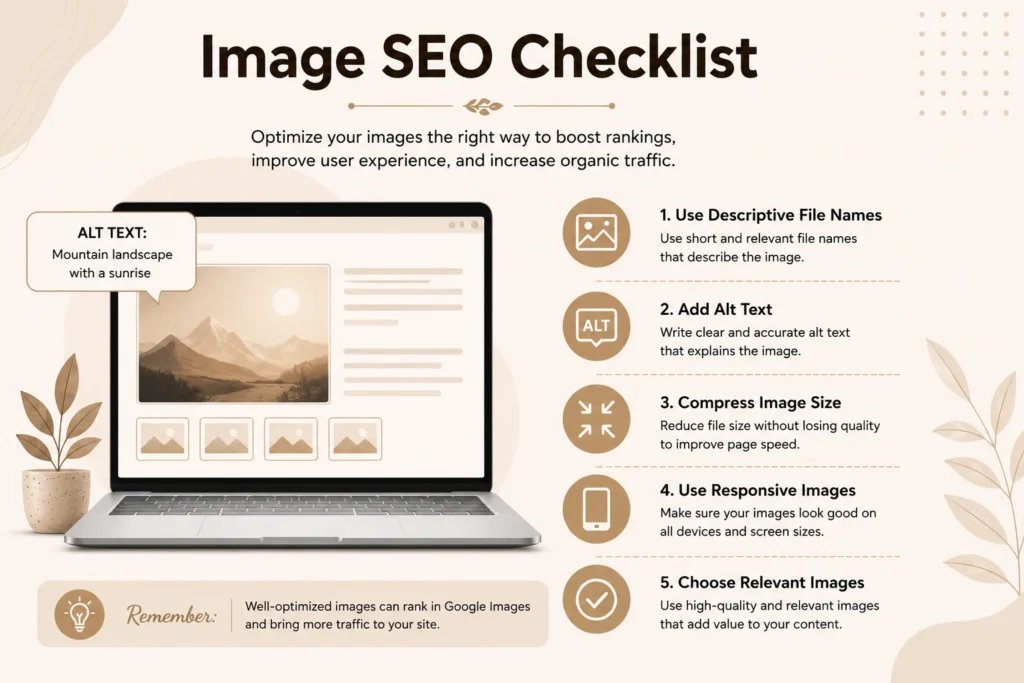
7. Optimize Images
Images make content more engaging, but they should also be optimized.
Before uploading:
- Compress image size
- Use descriptive file names
- Add alt text
- Choose relevant images
Optimized images can improve page speed and accessibility.
8. Improve Content Readability
Even the best SEO strategy won’t help if people struggle to read your content.
Make your content easy to scan by:
- Using short paragraphs
- Adding bullet points
- Breaking up large text blocks
- Using simple language
Readers should find your content helpful and easy to understand.
9. Add Relevant External Links
Linking to trustworthy sources can improve the credibility of your content.
For example, when discussing SEO tools or industry updates, you can reference official sources.
Only link to reliable and relevant websites.
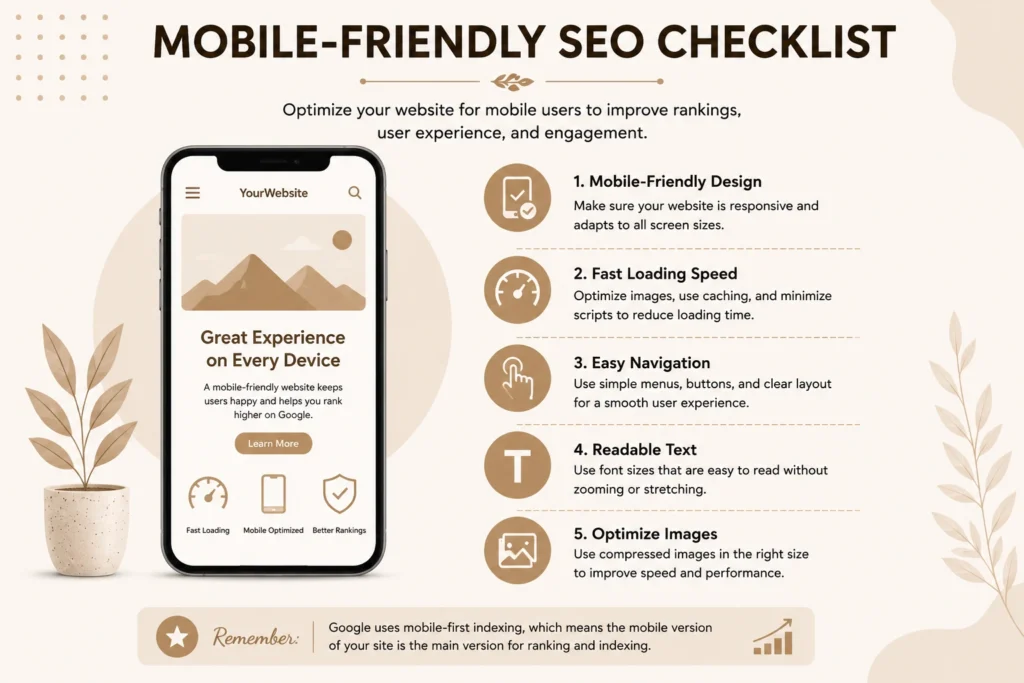
10. Check Mobile Friendliness and Page Speed
Most website traffic today comes from mobile devices.
Before publishing, check:
- Mobile responsiveness
- Page loading speed
you can use Google PageSpeed Insights to analyze your website’s loading speed and identify performance improvements. - User experience on smartphones
A fast and mobile-friendly website can positively impact rankings and user satisfaction.
Quick On-Page SEO Checklist
Before hitting publish, make sure you have:
✅ Added the focus keyword to the title
✅ Used an SEO-friendly URL
✅ Mentioned the keyword in the first 100 words
✅ Used proper heading structure
✅ Optimized meta title and description
✅ Added internal links
✅ Optimized images
✅ Improved readability
✅ Added relevant external links
✅ Checked mobile friendliness
Frequently Asked Questions (FAQ)
What is an On-Page SEO Checklist?
An On-Page SEO Checklist is a list of optimization tasks that help improve a webpage’s visibility in search engines. It includes keyword placement, internal linking, image optimization, heading structure, and more
Why is on-page SEO important?
On-page SEO helps search engines understand your content and improves user experience, which can lead to better rankings and more traffic.
How often should I perform on-page SEO?
You should follow on-page SEO best practices every time you publish or update a blog post.
Final Thoughts
On-page SEO isn’t about tricking search engines. It’s about making your content easier to understand, navigate, and enjoy.
If you’re just starting your SEO journey, following this simple on-page SEO checklist can help you build a strong foundation for better rankings and long-term growth.
Remember, SEO is a marathon, not a sprint. Focus on creating helpful content and optimizing it properly, and the results will come over time.
About the Author
Hi, I’m Shahin, a digital marketing enthusiast passionate about SEO and helping beginners understand how search engines work.
I share practical SEO tips, digital marketing insights, and step-by-step guides on my website:
👉 https://shahindigitalhub.com/
Feel free to explore more articles and continue your SEO learning journey.